What Is a Good CPS?
A good CPS (clicks or presses per second) is one that beats your own last score on the same test and the same device. There is no single number that counts as good for everyone, because results change with test length, device and technique. Our Spacebar Clicker gives each result one of our own rating tiers, from Warming Up to Hyperspeed, so you have something to aim for.
What CPS means
CPS stands for clicks per second: how many presses you made, divided by how many seconds you had. Make thirty presses in a ten-second test and your CPS is three. The same idea works for mouse clicks, key presses and screen taps.
How a CPS test counts
Tests differ in their rules, which is another reason scores from different sites do not compare. Ours works like this:
- The timer starts on your first press, and that press counts. Waiting before you start costs nothing.
- Only presses inside the time count. One that lands a moment after the end is ignored.
- Holding a key does nothing more. The automatic repeats from a held key are ignored, and a key must be released before it counts again.
- Your rate is presses divided by the test length. In the Endless counter, it is divided by the time from your first press to Stop.
Why your result changes with test length
Short tests are very sensitive
In a 1-second test, one extra press changes your result by a whole press per second. In a 60-second test, the same press barely moves it. Short tests reward a quick start and a little luck; long tests are steadier.
| Test | One more press adds |
|---|---|
| 1-second test | 1 per second |
| 5-second test | 0.2 per second |
| 10-second test | 0.1 per second |
| 30-second test | 0.033 per second |
| 60-second test | 0.017 per second |
Long tests measure stamina
Over a longer test your hand tires, so most people's rate drops as the test gets longer. That is expected, and it is why each test in our Spacebar Clicker keeps its own personal best.
Why your result changes with device and technique
- Keyboard, mouse or touch screen: each feels different and responds differently. Compare scores on the same one.
- Technique: regular, jitter, butterfly and drag clicking all behave differently. Our guide to clicking faster explains each.
- The hardware: some mice combine two presses that come very close together, which affects the faster techniques most.
- The day: a tired or cold hand is slower. Warm up first.
CPS and clicks per minute
Some tests report clicks per minute instead. It is the same measure on a different scale: multiply clicks per second by sixty. Only compare a per-minute score with another per-minute score from a test of the same length.
Does a high CPS help in clicker games?
A little, but less than you might think. In our idle clicker games, timing your bonuses and choosing good upgrades matters more than raw speed. Our guide to clicking faster shows the numbers from our simulator.
Our rating tiers
Each result in the Spacebar Clicker gets one of seven tiers. We chose them as friendly labels for ranges of presses per second. They are not based on a survey of players and they do not tell you how you compare with anyone else.
| Tier | Presses per second | What the result screen says |
|---|---|---|
| Warming Up | 0 to under 3 | A relaxed pace. Shake out your hand and go again. |
| Steady | 3 to under 5 | A calm, even rhythm. |
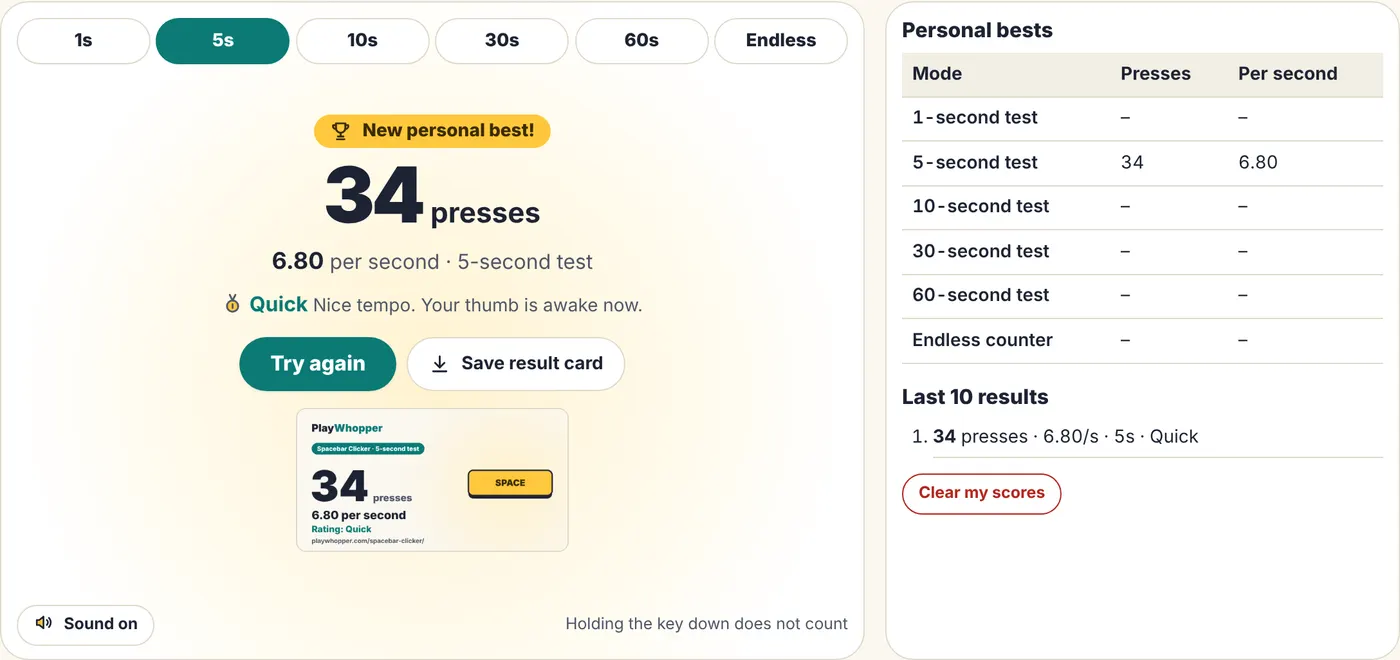
| Quick | 5 to under 7 | Nice tempo. Your thumb is awake now. |
| Rapid | 7 to under 9 | Fast and controlled. |
| Blazing | 9 to under 11 | That spacebar is getting a workout. |
| Lightning | 11 to under 13 | Seriously fast pressing. |
| Hyperspeed | 13 or more | The top tier on our scale. |
So what should you aim for?
Pick one test and one device, and beat your own best. The Spacebar Clicker keeps your best for every test and your last 10 results on your device, so you can see whether practice is working. If you want to share, it can save a result card image for you.
You will find claims online about average or record speeds. We could not verify any of them, so we do not repeat them here.